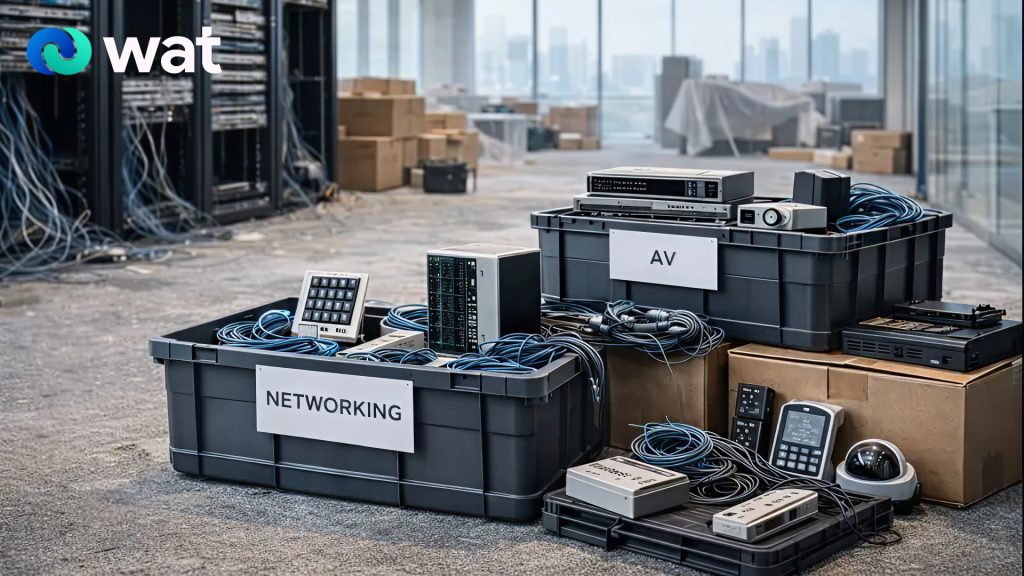
Office moves and renovations are one of the most common reasons businesses end up with unmanaged electronic waste. During a relocation, fit-out, or refurbishment, old equipment is removed quickly, stored temporarily, and handled by multiple parties. That’s when items get mixed, tracking is lost, and devices are treated like general waste simply because teams are trying to stay on schedule.
The problem is that move-related e-waste is rarely limited to obvious items like laptops and monitors. The most overlooked categories are often the ones embedded into the office environment: AV equipment, networking hardware, access control systems, and cabling. These assets may be owned by different departments, installed by vendors, and retired inconsistently—creating avoidable governance and security gaps.
This guide outlines a practical, low-friction way for UAE businesses to retire these categories responsibly, with a clear handover process that stays controlled even when timelines are tight.
Why office moves create “high-risk” e-waste
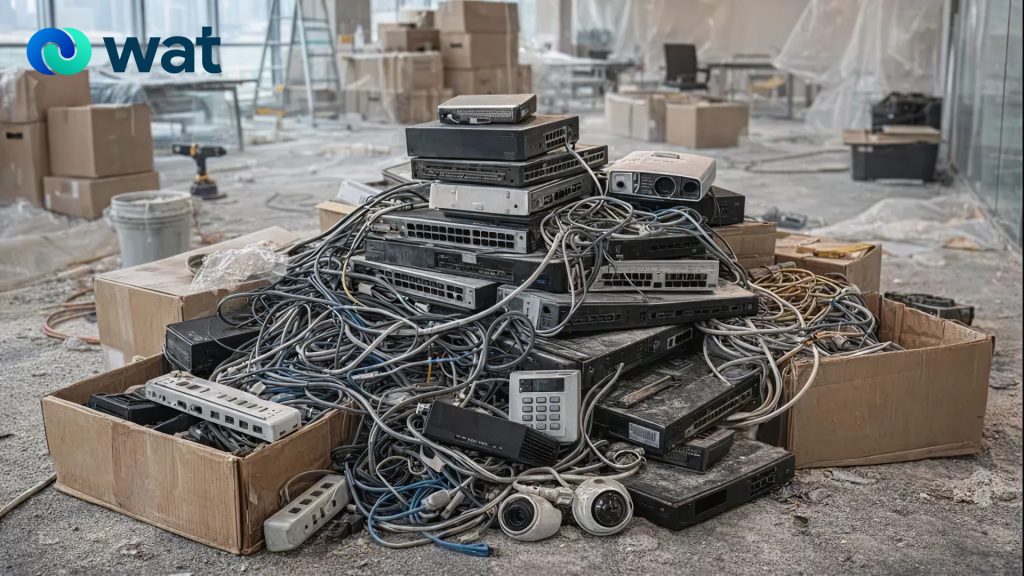
Moves and renovations create e-waste risk for three reasons:
First, ownership becomes fragmented. Facilities may remove AV gear, IT handles networking, a security vendor manages access control, and a fit-out contractor removes cabling. Without one coordinated plan, items are retired in silos and documentation becomes inconsistent.
Second, temporary storage becomes permanent storage. Old devices get boxed and labeled “to be sorted later,” then sit for months. Over time, the office loses clarity on what is pending data handling, what is reusable, and what is ready for recycling.
Third, non-computer devices are assumed to be “data-free.” Many office systems store configuration data, logs, credentials, or recordings (for example, recorders, some conferencing devices, and security systems). A responsible retirement process treats uncertain equipment as potentially sensitive until confirmed otherwise.
The move-and-renovation offboarding workflow
A strong process doesn’t have to be complicated. It needs to be consistent and repeatable.
Step 1: Assign one process owner before removal starts
Choose a single coordinator (often IT or Facilities) and align responsibilities across:
- Facilities / Operations (logistics and staging areas)
- IT (device classification and data-handling decisions)
- Security / Admin (access devices, camera systems)
- Vendors (what they remove, and what they must hand back)
This prevents the most common failure: equipment being “taken away” without a controlled handover.
Step 2: Create a simple inventory by category
You don’t need a perfect asset register. You need traceability. Capture:
- Category (AV / Networking / Access Control / Cabling)
- Location (floor, room, site)
- Quantity (count or estimate)
- Condition (working / damaged / unknown)
- Notes (possible storage, battery, or configuration risk)
If you’re short on time, inventory at the box/pallet level first, then refine later.
Step 3: Segregate e-waste from general renovation waste
Electronics should not be boxed with demolition debris or mixed contractor waste. Set up clearly labeled zones:
- AV zone
- Networking zone
- Access control zone
- Cabling zone
- Battery-containing devices zone
Segregation keeps handling cleaner and avoids “mystery piles” that are difficult to process responsibly later.
Step 4: Identify devices that may require secure data handling
Without turning this into a technical exercise, flag devices that commonly store data or retain credentials:
- CCTV recorders (NVR/DVR) and storage components
- Digital signage players and conferencing units
- Network appliances (depending on the system)
- Access control panels and management units
Once flagged, these items should follow a controlled data-handling route (for example, sanitization or physical destruction options—based on what is appropriate and what is offered/confirmed by WAT’s services).
Step 5: Store retired equipment under controlled access
During office moves, storage discipline is the difference between control and chaos.
- Use a restricted-access staging room or cage
- Label boxes clearly by category and location
- Keep “unknown condition” items separated from “known good” or “cleared” items
- Avoid piling items in a way that causes breakage or damage
This is not about over-engineering. It’s about avoiding uncontrolled movement and mixing.
Step 6: Handover through an authorized e-waste channel with documentation
The most valuable part of a move-related disposal process is that it is documented. At minimum, retain:
- Date of handover / collection
- Categories and approximate quantities handed over
- Pickup location(s)
- Responsible contact(s)
Documentation supports internal governance, helps close out the move, and prevents the “we don’t know what happened to it” problem that often appears months later.
Request a collection through WAT’s E-waste service page.
What to do with each commonly forgotten category
AV equipment (screens, meeting-room systems, signage)
Typical move leftovers include:
- TVs/monitors, projectors, conferencing bars
- Room controllers, digital signage players
- Speakers, amplifiers, and related accessories
Practical approach:
- Group by room or zone (“Boardroom AV,” “Reception signage”)
- Keep mounts and accessories together to prevent loose, untracked parts
- Treat media players and conferencing devices as potentially sensitive until confirmed otherwise
Networking hardware (routers, switches, access points, firewalls)
Typical move leftovers include:
- Switches, routers, access points, controllers
- Patch panels, racks, PDUs and small appliances
Practical approach:
- Label devices by site and rack/room
- Keep small networking equipment out of general “cabling bins”
- Treat unknown appliances as potentially sensitive until the IT owner classifies them
Access control systems (readers, controllers, panels)
Typical move leftovers include:
- Door controllers and panels
- Badge readers, biometric devices, intercoms
- Power supplies and related components
Practical approach:
- Coordinate removal carefully to avoid service disruption
- Keep access control components in their own labeled stream
- Ensure the responsible owner approves decommissioning and handover
Cabling (Ethernet, coax, fiber, power, patch cords)
Cabling is often treated as general scrap, but it should still be routed responsibly rather than dumped or mixed into uncontrolled waste streams.
Practical approach:
- Separate and bundle by type where possible
- Keep a “cabling only” collection bin so it doesn’t get contaminated with debris
- Avoid mixing power bricks and adapters with general cabling—store them separately
Common mistakes to avoid during office moves
- Allowing contractors to remove electronics without a controlled handover
- Mixing electronics with renovation waste or demolition debris
- Failing to separate devices that may require secure data handling
- Storing everything together with no labeling or ownership
- Leaving retired assets in limbo after the move is complete
A clear process prevents these issues and keeps retirement activities aligned with responsible waste handling.
If you are planning an office move or renovation in the UAE and need a structured way to retire AV gear, networking equipment, access control devices, and cabling responsibly, contact WAT to arrange a compliant collection and documented handover through an authorized e-waste process.